
8 Best Motorcycle GPS Apps for Android for Every Kind of Ride
 Jake Miller
11 min read
Jake Miller
11 min read
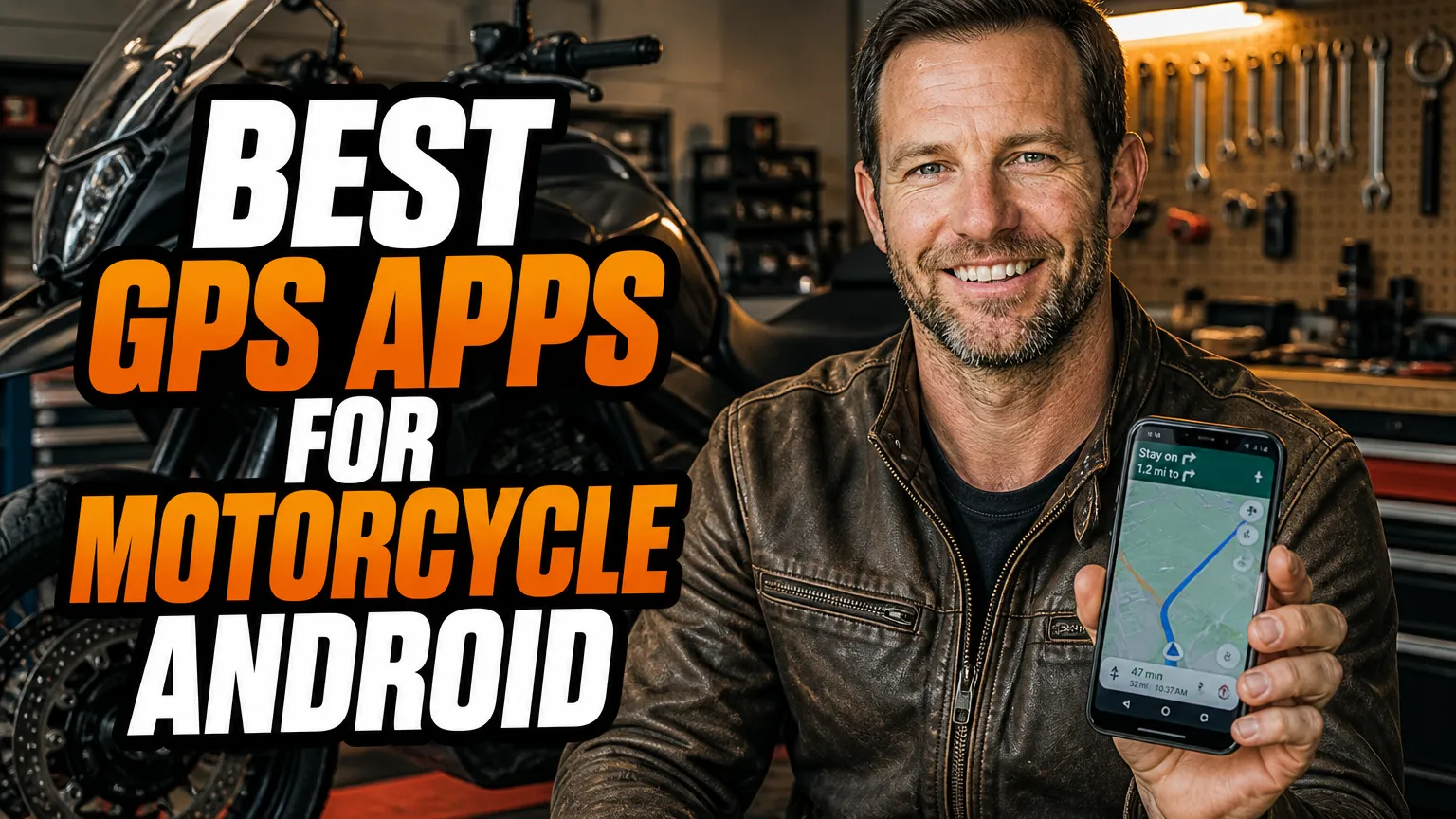
I’ve used Android navigation apps for everything from quick rides across town to full-day trips on unfamiliar roads. The right choice depends on what I need most: a route with plenty of bends, reliable offline maps, live traffic, or a straightforward way to follow a saved GPX track.
Below, I compare eight real apps I’d consider for riding. Features, subscriptions, and availability can change by country and app version, so I always check the current Play Store listing and plan details before a trip.
- I’d choose Kurviger or calimoto when finding curvy roads matters more than taking the quickest route.
- I rely on OsmAnd or TomTom GO Navigation when I need maps downloaded before losing mobile coverage.
- I keep Google Maps or Waze handy for familiar routes, traffic, and last-minute detours.
- I download maps, test my route, and secure my phone before setting off.
1. Kurviger — Best for Planning Twisties
When I want to turn a point-to-point trip into a ride worth remembering, I reach for Kurviger. It’s built around motorcycle route planning, with options for curvy roads and route preferences that help me avoid simply following the fastest highway across the map.
I like that I can plan a route with multiple stops, then review and adjust it before I ride. That matters when I’m trying to link a favorite pass, a café, and a scenic back road without letting the app make every decision for me. Depending on the current plan and app features, offline maps and some advanced options may require a paid subscription.
Where it fits in my setup
I use Kurviger as a route-finding tool, then check the route carefully for road closures, questionable shortcuts, and dirt sections I didn’t intend to ride. For a deeper look at dedicated devices and trip planning, I’d also read this guide to the best gps for adventure motorcycle touring.
My take: Kurviger is a strong first choice for riders who enjoy shaping a ride around bends. I wouldn’t assume any automatically generated route is perfect; I inspect the map and confirm the offline and export features I need before leaving home.
2. calimoto — Best for Motorcycle-Focused Ride Planning
calimoto puts motorcycle rides front and center, which is why I consider it when I’m planning a day out rather than just navigating to an address. Its route-planning tools can find curvy roads, and the app also offers ride recording and trip-related features that make it useful before and during a ride.
I find that its appeal is the whole ride-planning experience: I can explore a route, add destinations, and use the app to track where I went. Offline maps are useful when coverage is patchy, but offline access and other features can depend on the subscription tier and region. I check exactly what my account includes before counting on it in the backcountry.
What I’d check before a long ride
I preview the route at a wide zoom level and again around tricky junctions. A curvy route is not automatically a good route for my bike or skill level, so I look for surface type, access restrictions, and roads that might be too ambitious for the day.
My take: I’d put calimoto near the top of my list if I want motorcycle-specific ride discovery and route recording in one app. For international or remote trips, I pair it with a downloaded map or a second navigation option rather than treating one phone app as failproof.
3. OsmAnd — Best for Detailed Offline Maps
When I expect to ride beyond dependable mobile coverage, I value having the map stored on my phone. OsmAnd uses OpenStreetMap data and supports offline map downloads, turn-by-turn navigation, and GPX tracks, making it a flexible option for riders who like to prepare their routes in advance.
I appreciate the level of map detail and the ability to work with saved tracks. It can take more setup than a simple navigation app, though. I spend time learning the map layers, navigation settings, and download process before a trip instead of trying to configure everything at a fuel stop.
Why I use it as a touring tool
OsmAnd is particularly appealing when I want offline reference maps as well as route guidance. I can download the areas I need, check that the map is available without data, and import a GPX route. Free download limits and paid features may vary with the app’s current offering, so I confirm them in advance.
My take: I recommend OsmAnd to riders who are comfortable with a more configurable app and want detailed offline capability. For a trip that crosses borders or spends days in remote areas, I’d compare my setup with this guide to the best gps for round the world on motorcycle.
4. Google Maps — Best for Everyday Navigation
For errands, commuting, and familiar destinations, I still find Google Maps hard to beat for convenience. Search is quick, place information is easy to check, and live traffic can help me spot a delay before I’m committed to a route.
Motorcycle routing is available only in some regions, so I don’t assume it will appear everywhere. If it isn’t available where I ride, I can still use other supported travel options, but I check the route carefully: a convenient car route may not be the ride I want on a motorcycle.
My practical approach
I download an offline map area when I expect weak service, but I remember that offline navigation does not give me the same live traffic information as a connected phone. I also make sure a route is loaded before I start moving, rather than handling the phone at an intersection.
My take: Google Maps is my easy everyday choice, not my dedicated twisty-road planner. I use it for straightforward navigation and finding businesses, then switch to a motorcycle-focused app when I care more about the road itself than the quickest arrival.
5. Waze — Best for Live Road Reports
When I’m riding through busy areas, Waze can be useful for its traffic-aware routing and community-reported incidents. Alerts about congestion, hazards, or road disruptions may help me rethink a route while I still have time to choose another road.
Waze is not the app I’d pick to plan a scenic tour or navigate deep offline. It relies heavily on a data connection for its live information, and feature availability can differ by location. I also check that the route makes sense for a motorcycle rather than following an unexpected shortcut without looking at the map.
How I keep it useful and safe
I set my destination and review the proposed route before riding. I don’t interact with the screen while moving; voice prompts through a compatible helmet headset are a safer way for me to hear directions, and I pull over when I need to change a destination.
My take: I treat Waze as a live-traffic helper for connected rides, not as my only touring navigation solution. When road reports matter more than winding-road discovery, it can earn a place alongside an offline mapping app.
6. TomTom GO Navigation — Best for Offline Turn-by-Turn Use
TomTom GO Navigation is a useful option when I want familiar, guided navigation with maps stored on my phone. I can download map regions in advance, follow turn-by-turn directions, and use traffic features when I have a connection and the relevant services are available.
I don’t mistake it for a motorcycle-specific route planner. I check the proposed roads before riding, especially if I’m trying to avoid motorways or prefer a scenic route. Subscription terms and included features can change, so I verify what is available in my country and current version of the app.
When I’d choose it
I’d consider TomTom GO Navigation for practical touring where clear directions and offline maps are priorities. Riders comparing phone apps with dedicated devices may find it helpful to read about the tomtom rider 550 best gps for adventure motorcycle riding before deciding which setup suits their trips.
My take: I like TomTom GO Navigation as a capable navigation app when I prepare maps ahead of time. I would still add a motorcycle route planner if my main goal were finding enjoyable back roads rather than following standard navigation choices.
7. REVER — Best for Recording and Sharing Rides
REVER combines motorcycle-oriented route features with ride tracking, which makes it interesting when I want to save a trip as well as navigate it. I can use it to record rides and explore routes, and its community and trip-planning features can help me find ideas for a future outing.
Some mapping, route discovery, or premium content can depend on membership and current availability. I check the app’s plan details before assuming a feature is included. I also test a route at home because a shared track may reflect someone else’s preferences, bike, or tolerance for rough roads.
My route-sharing checklist
Before I follow a saved route, I inspect its distance, surface, and connection points. I like keeping a recorded ride for my own notes, but I don’t treat a popular route as proof that every section is suitable for my motorcycle or the conditions that day.
My take: REVER is a good fit if I want navigation to sit alongside ride logging and route discovery. For a specific bike-and-device setup, I’d also compare hardware advice such as this guide to the best motorcycle gps for bmw r1200gsa.
8. Sygic GPS Navigation — Best for Offline Road Guidance
Sygic GPS Navigation is another established Android option for drivers who want downloadable maps and turn-by-turn guidance. I consider it for road navigation when I want to prepare map coverage before a trip, then use the phone without depending on continuous mobile data for the basic map display.
Available features depend on the app version, location, and subscription. I check whether the features I care about, such as traffic services or integrations, are included in the current plan. Like TomTom GO Navigation, Sygic is not my first pick for discovering motorcycle-specific twisties, so I review its route rather than accepting it blindly.
Where it makes sense for me
I’d use Sygic as a prepared, offline-capable road navigation option, especially if I already know its interface. I download the required map areas and test the route before setting out, since offline coverage and live services are not the same thing.
My take: Sygic can work well for riders who prioritize stored maps and standard turn-by-turn directions. If I want motorcycle-specific planning first, I’d compare it with Kurviger or calimoto rather than expecting it to find the most enjoyable ride automatically.
How I Choose the Right App for a Ride
I start with the route, not the app store rating. For a quick trip across town, I’m happy with Google Maps or Waze; for a curvy day ride, I’d plan with Kurviger or calimoto; and for an area with unreliable service, I make sure OsmAnd, TomTom GO Navigation, or another app has the necessary offline maps downloaded.
I also think about how I’ll actually use the phone on the bike. A secure, vibration-resistant mount, weather protection, and dependable power matter as much as the navigation software. I set my destination before moving, use audio prompts where practical, and pull over whenever I need to make a change.
My pre-ride navigation checklist
- I download maps and GPX files while I have reliable Wi-Fi.
- I open the saved route once in airplane mode to check offline access.
- I review the route for unpaved roads, closures, and awkward detours.
- I secure my phone, connect power, and set audio before I ride.
- I carry a backup plan for remote trips, whether that’s another app, a second device, or a paper map.
No single app is best for every rider or every road. I get the most dependable setup by matching the app to the trip, checking its current features, and preparing before I leave. For a broader look at dedicated devices and navigation choices, I also compare options in this guide to the best garmin gps for motorcycle.
Frequently Asked Questions
Which Android app is best for planning twisty motorcycle routes?
I’d start with Kurviger or calimoto; both are designed to help plan curvy rides, though some features may require a subscription.
Can I navigate offline with a motorcycle GPS app?
Yes. I use downloaded maps in apps such as OsmAnd, TomTom GO Navigation, and calimoto, but I download maps and check route coverage before leaving mobile service.
Is Google Maps good enough for motorcycle touring?
I find Google Maps useful for everyday navigation and traffic, but its motorcycle routing availability varies by region and it offers fewer dedicated route-planning tools than motorcycle-focused apps.
Should I rely on a phone app as my only motorcycle GPS?
I wouldn’t on a demanding or remote trip. I keep maps available offline, use a vibration-resistant mount and charging setup, and carry a second navigation option when the route matters.

Related Articles

6 Best Motorcycle Phone Mounts That Keep Your Phone Charged on the Road
Compare six dependable motorcycle phone mounts with wireless or USB charging, including fit, power wiring, vibration protection, weather resistance, and…
Jake Miller
10 min read

5 Best Motorcycle Phone Mounts for Naked Bikes and Open-Cockpit Riding
I compare secure, vibration-conscious phone mounts for naked and touring bikes, with fit notes, real trade-offs, and setup tips for…
Jake Miller
11 min read

7 Best Phone Mounts for Sport Bikes: Secure, Vibration-Smart Picks
Compare secure phone mounts for sport bikes, including clip-on fit, vibration control, case systems, prices, and my practical picks for…
Jake Miller
12 min read