
7 Best GPS Speedometer Apps for Motorcycle Rides on iPhone and Android
 Jake Miller
10 min read
Jake Miller
10 min read
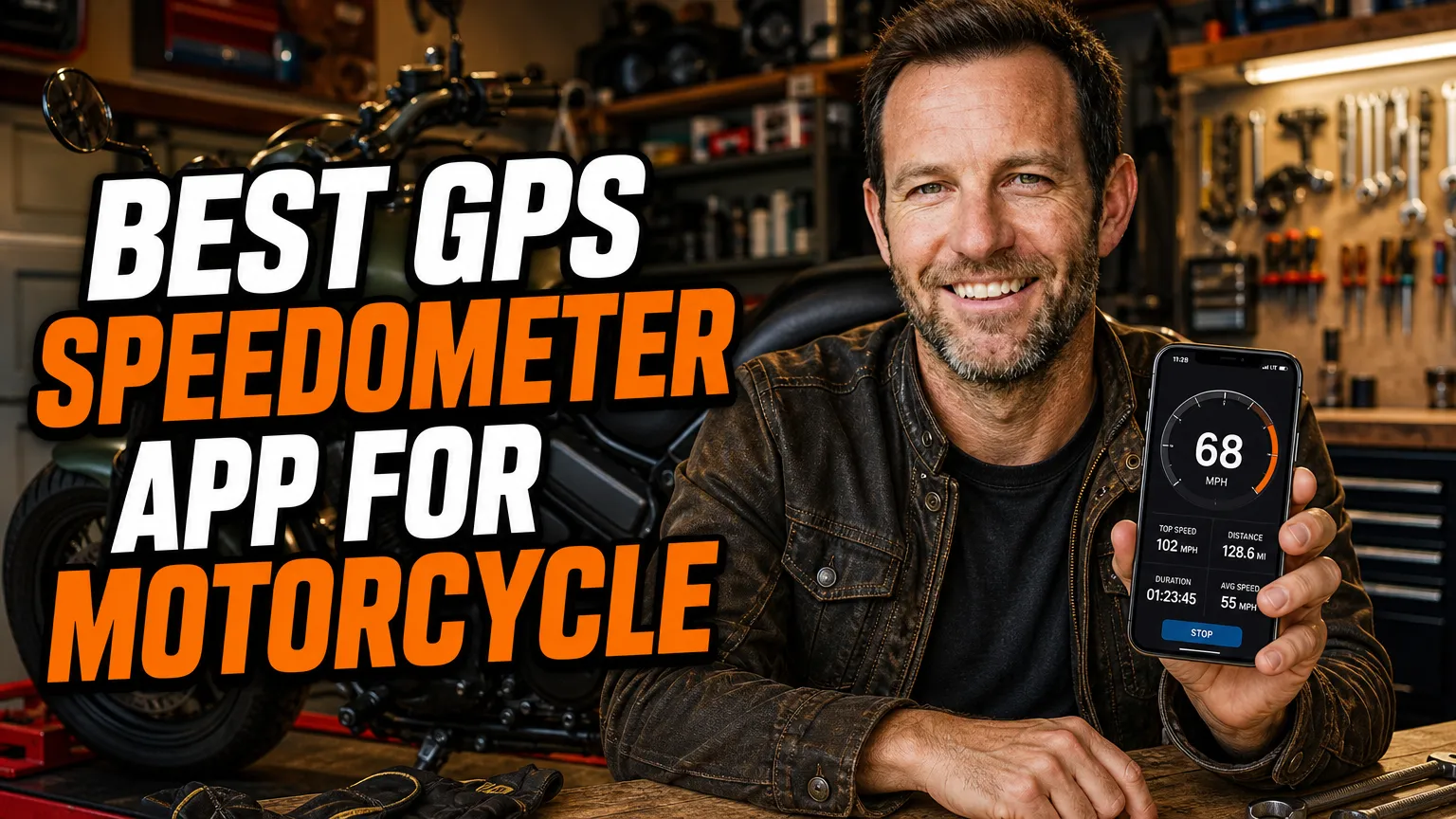
When I’m choosing the best GPS speedometer app for motorcycle rides, I look beyond a big, easy-to-read number. I want a reliable speed reading, a display I can understand at a glance, and sensible behavior when my phone loses signal or the road gets bumpy.
I’ve picked these apps for different riding needs, from a simple digital speed display to navigation with speed information built in. Features and pricing can change between app versions and regions, so I always check the current app-store listing before downloading.
- I’d choose Speedometer 55 for an iPhone-focused, dedicated speed display.
- On Android, DigiHUD and SpeedView are strong starting points for a clear speedometer view.
- Google Maps and Waze are more useful when I want speed information alongside navigation.
- I mount my phone securely, set up the screen before moving, and treat GPS speed as a backup rather than a safety guarantee.
How I choose a speed app for a motorcycle
On a bike, an app needs to be readable without tempting me to stare at my phone. I prioritize a large speed readout, a simple interface, and the ability to choose mph or km/h. A heads-up display can help in some setups, but I still test its visibility while parked rather than adjusting it on the move.
GPS speed is calculated from location changes, so it can behave differently from a wheel-driven motorcycle speedometer. Reception, phone placement, battery-saving settings, and the time it takes the GPS receiver to update can all affect what I see. I use an app as a useful cross-check, not a reason to ignore my motorcycle’s instruments or road conditions.
1. DigiHUD Speedometer — Best for a clean Android display
When I want a straightforward speed readout on Android, I put DigiHUD Speedometer near the top of my shortlist. Its central appeal is the simple digital display, with options such as a heads-up view and configurable information that can include trip distance and maximum speed.
I like that DigiHUD is designed around seeing speed clearly rather than navigating through a full map screen. That makes it a practical choice when I already have a separate navigation device or know my route. Availability, advertising, and any paid options may depend on the current version and app-store listing.
What I’d check before riding
I’d set the units, brightness, and display layout while parked, then confirm that the phone stays awake and the app can access location services. On a motorcycle, I’d also use a secure mount and a power connection suitable for my bike, since continuous GPS use can drain a phone battery.
2. SpeedView: GPS Speedometer — Best for a feature-rich Android speedo
SpeedView: GPS Speedometer is another Android option I’d consider when I want more than a single speed number. Its available tools have included a speed alert, compass, trip information, and a HUD-style display, giving me useful extras without turning it into a full motorcycle navigation system.
I find alerts most useful as a reminder, not as a substitute for watching signs or judging conditions. GPS-based speed-limit information can be incomplete or depend on what I configure, so I wouldn’t assume an alert knows the legal limit on every road.
Who I’d recommend it to
I’d look at SpeedView if I’m on Android and like having a few ride statistics on screen. Before relying on any alert or trip feature, I’d check the permissions and settings in the current version. I’d keep the display uncluttered so extra information doesn’t compete with the road.
3. Ulysse Speedometer — Best for a customizable Android dashboard
Ulysse Speedometer is a dashboard-style app I’d explore when I want to tailor what appears on screen. Depending on the version, its features can include a speed readout, trip information, compass, HUD view, and other vehicle-style indicators. That range makes it more configurable than a bare-bones speed display.
Customization is useful, but I keep my own setup simple. I’d choose a large speed figure and only one or two secondary indicators that I genuinely need. Small text, busy graphics, and constant notifications are poor trade-offs when I’m trying to keep my eyes on the road.
My setup advice
I’d test Ulysse in daylight and at night before a longer ride, since screen brightness and reflections can change how readable a phone is. I’d also review battery and location permissions so the app can function without unnecessarily allowing background access after the ride.
4. Speedometer 55 GPS Speed & HUD — Best dedicated pick for iPhone
For iPhone riders, Speedometer 55 GPS Speed & HUD is a dedicated app I’d put on the shortlist. Its speedometer and HUD-style presentation are aimed at making speed easy to see, while its available trip and alert tools provide more than a basic phone status display.
I like the idea of a purpose-built speed screen when I don’t need a map filling the display. App features and paid upgrades can change, so I’d verify the listing on the App Store and check which features are included before planning around them.
When I’d choose it
I’d choose Speedometer 55 when I want a dedicated iPhone speedometer and already have navigation handled another way. I’d check how the display looks through my chosen mount and whether the phone overheats or dims in direct sun. A clear speed readout is helpful only if the phone remains stable and visible.
5. Google Maps — Best when I want speed beside familiar navigation
Google Maps isn’t a dedicated motorcycle speedometer, but it can show a speed readout during navigation in supported locations and configurations. I’d consider it when I want one familiar app for directions and an on-screen speed reference rather than installing a separate speed-only tool.
Speed and speed-limit features aren’t available everywhere, and map coverage or road data can vary. I’d check the navigation settings in my region and never treat the displayed limit as infallible. Signs, temporary restrictions, roadworks, and local rules still matter more than an app’s estimate.
What I like and what I don’t
My main advantage is convenience: if I’m already using Google Maps for a route, a speed display may be available without changing apps. The downside is that map navigation can occupy more screen space and encourage glances. I’d set the route and screen before moving, then avoid interacting with the phone while riding.
6. Waze Navigation & Live Traffic — Best for speed information with live traffic
Waze Navigation & Live Traffic combines turn-by-turn directions with community-reported traffic information and, where supported, on-screen speed and speed-limit features. I’d choose it when live traffic and route changes matter to my trip, rather than when I only need a plain speedometer.
As with other navigation apps, availability and accuracy of speed-limit details can depend on location and map data. I wouldn’t rely on a notification to tell me when it’s safe to slow down, and I’d avoid entering destinations or changing settings while the motorcycle is moving.
My practical take
Waze can be handy when I want route guidance and traffic updates together, but that extra information can also make a screen busy. I’d configure voice prompts and keep the mounted display simple. If I’m riding somewhere without dependable mobile coverage, I’d think carefully about whether the route information I need will remain available.
7. OsmAnd — Best for offline maps and a configurable dashboard
OsmAnd — Maps & GPS Offline is a mapping app I’d consider when offline navigation matters. It supports downloadable maps and customizable map-screen information, which can include a speed display. That makes it a useful option for riders who want mapping tools and GPS speed in one app, rather than just a dedicated speedometer.
I’d download the maps for my route and test the display before leaving mobile coverage. Offline maps don’t mean every online service or live traffic feature will work without data, and the exact functions can vary by platform, app version, and settings.
Best for planned touring
I’d consider OsmAnd for trips where I want to prepare maps in advance and tailor the information shown on screen. It has more to learn than a simple speed app, so I’d set up the dashboard at home. For route-planning ideas and dedicated navigation devices, I’d also compare guides to the best gps for adventure motorcycle touring.
When I’d choose a motorcycle GPS instead of an app
A phone app is convenient, but I don’t assume it will be the best tool for every ride. A dedicated motorcycle GPS may offer a screen designed for outdoor use, physical controls, and mounting options better suited to touring. If that’s what I need, I’d compare devices separately, including this guide to the tomtom rider 550 best gps for adventure motorcycle riding.
My needs also change with the trip. For long-distance travel, I’d research the best gps for round the world on motorcycle, where offline planning and durability can be especially important. Riders setting up a particular touring bike can compare options in this guide to the best motorcycle gps for bmw r1200gsa.
If I’m comparing dedicated units, I’d also look at the best garmin gps for motorcycle options. A GPS speedometer app and a motorcycle navigation device solve related but different problems: I’d choose according to my route, weather exposure, mounting setup, and need for offline navigation.
How I set up a phone speedometer safely
Mount it securely and plan for power
I use a mount made for motorcycle vibration and check that it holds the phone firmly before each ride. A tether can provide extra security, while a weather-resistant power setup helps on long days. I also consider whether vibration could affect my phone’s camera stabilization, since some phone makers warn about prolonged exposure to motorcycle vibration.
Check the reading in safe conditions
Before depending on an app as a reference, I compare its reading with my motorcycle’s display in a safe, legal, steady-speed setting. I remember that GPS readings may update slowly during acceleration, in tunnels, or when satellite reception is weak. I don’t use a phone reading to justify riding faster or to replace judgment.
Keep attention on the ride
I set brightness, units, alerts, and navigation before moving. If I need to change a setting, I stop somewhere safe first. Even a well-designed HUD or large speed figure can distract me if I keep checking it, so I treat the phone as supporting information rather than something to watch constantly.
My final picks
For a dedicated Android speed display, I’d start with DigiHUD Speedometer, then compare SpeedView or Ulysse Speedometer if I want more dashboard features. For iPhone, Speedometer 55 GPS Speed & HUD is my dedicated-app pick from this list.
If I also need route guidance, I’d consider Google Maps or Waze; for offline mapping and a configurable screen, I’d look at OsmAnd. Whatever I choose, I’d check current availability, set it up while parked, and remember that no app can replace safe riding or reliable attention to the road.
Frequently Asked Questions
Can a GPS speedometer app replace my motorcycle’s speedometer?
I treat an app as a useful backup, not a guaranteed replacement. GPS readings can lag or drop when the phone loses a clear satellite signal.
Which GPS speedometer app is best for an iPhone?
I’d start with Speedometer 55 GPS Speed & HUD for a dedicated speed display, or Google Maps if I also need navigation.
Do GPS speedometer apps work without mobile data?
Many can show GPS speed without mobile data once location services are available. I download offline maps beforehand if I need navigation away from coverage.
Is GPS speed more accurate than a motorcycle’s speedometer?
It depends on conditions and calibration. I use GPS as a helpful cross-check, but I keep my attention on the road and follow the speed shown by my motorcycle and local requirements.

Related Articles
6 Best Motorcycle Phone Mounts That Keep Your Phone Charged on the Road
Compare six dependable motorcycle phone mounts with wireless or USB charging, including fit, power wiring, vibration protection, weather resistance, and…
Jake Miller
10 min read
5 Best Motorcycle Phone Mounts for Naked Bikes and Open-Cockpit Riding
I compare secure, vibration-conscious phone mounts for naked and touring bikes, with fit notes, real trade-offs, and setup tips for…
Jake Miller
11 min read

7 Best Phone Mounts for Sport Bikes: Secure, Vibration-Smart Picks
Compare secure phone mounts for sport bikes, including clip-on fit, vibration control, case systems, prices, and my practical picks for…
Jake Miller
12 min read