
Best Motorcycle Gloves for Touchscreen: My Top Picks That Actually Work
 Jake Miller
9 min read
Jake Miller
9 min read
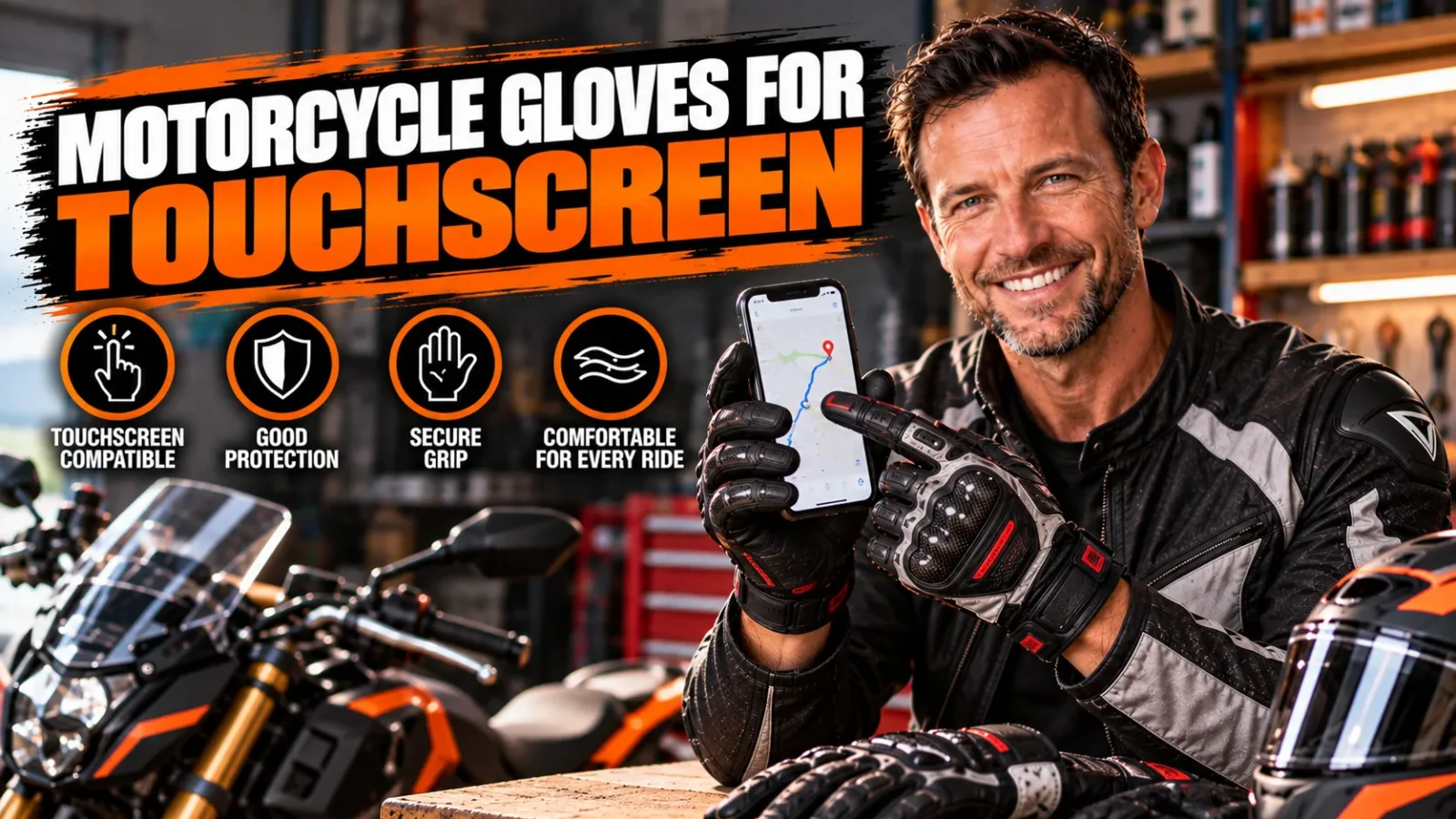
I can’t count how many times I’ve pulled over, yanked off a glove with my teeth, and fumbled with my phone just to change a GPS route. It’s annoying, it’s slow, and honestly, it’s a little dangerous when you’re doing it roadside in traffic.
That’s exactly why I started hunting for gloves that let me tap, swipe, and navigate without ever taking them off. After testing a stack of options across seasons and riding styles, I’ve narrowed down the gloves that actually deliver on their touchscreen promises.
If you want the full rundown on glove types, materials, and fit before diving into touchscreen specifics, my Ultimate Guide to Motorcycle Gloves covers all the fundamentals. But for now, let’s focus on the gloves that keep your hands protected and your phone responsive.
- Look for conductive thread or patches on the thumb and index finger for reliable touchscreen response.
- Thinner materials generally register touches faster, but sacrifice some warmth and protection.
- Not all “touchscreen-compatible” gloves are created equal, I’ve tested plenty that barely work.
- Seasonal use matters, my picks differ for summer mesh gloves versus winter insulated ones.
- Fit is everything, loose fingertips mean inconsistent screen contact no matter how good the tech is.
Why Touchscreen Compatibility Actually Matters on a Ride
I used to think touchscreen gloves were a gimmick. Then I got caught in unfamiliar territory with a dying phone battery and no time to stop safely.
Being able to quickly glance down, tap my GPS app, and adjust my route without removing a glove saved me real time and hassle. It’s a small feature that makes a surprisingly big difference in daily riding.
Beyond navigation, I use my phone at stoplights to check messages, control music, or snap a quick photo at a scenic overlook. Doing all of that bare-handed in freezing weather is miserable, and touchscreen gloves solve that problem elegantly.
The Tech Behind Touchscreen Gloves
Capacitive touchscreens, the kind on nearly every smartphone, need a tiny electrical charge to register a touch. Your bare skin naturally conducts this charge, but leather and textile don’t.
Manufacturers solve this by weaving a conductive thread (often silver or copper-based) into the fingertip, or by adding a small conductive rubber patch. The best gloves I’ve tested use thread woven directly into the material because it holds up better over time than printed patches.
Cheaper gloves sometimes slap on a thin conductive pad that works great in the store but wears out after a few months of regular use. I’ve learned to check reviews specifically for long-term durability before trusting a “touchscreen compatible” label.
What I Look for Before Buying Touchscreen Gloves
Not every touchscreen glove performs the same, and I’ve been burned by marketing claims before. Here’s my personal checklist now.
Conductive Fingertip Placement
I always check whether the conductive material is on the thumb and index finger, not just one. Some cheaper gloves only include it on a single finger, which is annoying when you naturally reach for your phone with either hand.
The best gloves I’ve used place conductive fabric on both fingers of each hand, giving me flexibility no matter how I’m holding my phone or gripping the bars.
Material Thickness
Thinner gloves generally respond faster and more accurately to touch. That’s why summer gloves tend to have better touchscreen performance than bulky winter gauntlets.
If touchscreen use is a top priority for you, I’d lean toward a lighter glove even in cooler weather, or accept that winter touchscreen response will be a bit less snappy.
Fit and Precision
A glove that’s too loose in the fingertips creates a gap between your finger and the conductive material, which kills touchscreen accuracy. I always size down slightly if I’m between sizes, since a snug fit dramatically improves screen response.
This is also true for beginner riders still learning what fit actually feels like. My Best Beginner Gloves for Motorcycle guide goes deeper into sizing basics if you’re new to buying gear.
My Top Picks for Touchscreen Motorcycle Gloves
I’ve broken these down by riding scenario because the “best” glove really depends on your climate and riding style. Here’s what’s worked for me.
Best Overall for Everyday Riding
My daily glove features conductive thread across the thumb, index, and even middle finger, which I didn’t expect to use as much as I do. It’s a mid-weight leather and textile blend that balances protection with dexterity.
What sold me was how consistently it registered taps on the first try. I’ve used cheaper gloves where I’d tap three or four times before my phone responded, and that delay gets frustrating fast.
The knuckle protection is solid too, so I’m not sacrificing safety for the sake of a phone feature. That balance is honestly rare to find.
Best for Hot Weather Rides
When temperatures climb, I switch to a perforated mesh glove with a lightweight conductive patch. The airflow keeps my hands cool, and the thin material actually makes touchscreen use even more responsive than my everyday glove.
If you’re shopping specifically for summer conditions, I’d point you toward my breakdown of the best motorcycle gloves for summer, several of which include solid touchscreen functionality without overheating your hands.
I’ve also tried budget-friendly summer options that still nail the touchscreen feature. My guide to best cheap motorcycle gloves for summer highlights a few that surprised me with how well they performed given the price point.
Best for Women Riders
Fit matters enormously for touchscreen accuracy, and generic unisex sizing often leaves extra room in the fingertips for smaller hands. I’ve recommended women-specific leather gloves to friends specifically because the snugger fit improved their screen response immediately.
For a full seasonal rundown, my article on best summer leather motorcycle gloves for women includes several models with reliable conductive fingertips built specifically around women’s hand proportions.
Best for Wet Weather Commuting
This one surprised me. I assumed waterproof gloves would kill touchscreen function since the membrane sits between your finger and the material, but a few brands have figured out how to route conductive thread through the waterproof layer effectively.
If you commute rain or shine, check out my picks for best motorcycle gloves for rain. A couple of those options still let me answer a text at a red light without soaking my hand pulling the glove off.
Common Mistakes I Made Buying Touchscreen Gloves
I’ve made my fair share of buying mistakes, so let me save you the trouble.
Trusting the “Touchscreen Compatible” Label Blindly
Early on, I bought a pair purely because the tag said touchscreen compatible. In practice, I had to press so hard and repeatedly that it defeated the purpose entirely.
Now I always look for specific mentions of conductive thread technology or read user reviews mentioning real-world screen performance, not just the marketing copy.
Ignoring Fingertip Wear Over Time
Conductive patches on my first “budget” pair stopped working after about four months of regular use. The stitching had frayed slightly, breaking the conductive path.
I’ve since prioritized gloves with woven conductive thread rather than printed-on patches, since thread tends to hold up significantly longer under regular wear and washing.
Buying the Wrong Weight for My Climate
I once bought a heavily insulated winter glove expecting great touchscreen performance, and it just wasn’t realistic. Thick insulation naturally reduces sensitivity no matter how good the conductive fingertip is.
Now I match glove weight to season first, then check touchscreen quality within that category, rather than expecting one glove to do everything perfectly year-round.
How I Test Touchscreen Performance
I don’t just trust the label, I run my own quick tests before committing to a glove long-term. Here’s my simple process.
The Stoplight Test
I sit at my desk, put the gloves on, and try typing out a text message using just my thumb and index finger. If I can type a full sentence without constant misfires, that’s a good sign.
The Swipe Test
Navigation apps rely heavily on swiping and pinching to zoom. I test this specifically since some gloves handle taps fine but struggle with continuous swipe gestures.
The Cold Hands Test
Conductivity can actually decrease slightly when your hands are cold, since skin conductivity itself changes with temperature. I test gloves after they’ve been sitting in a cold garage overnight to simulate real winter riding conditions.
Final Thoughts From the Saddle
Touchscreen gloves aren’t just a nice-to-have anymore, they’re genuinely practical for modern riding where most of us rely on phone-based navigation and communication. I don’t think I’d go back to gloves without this feature at this point.
My advice is simple: prioritize fit and conductive thread quality over flashy marketing claims, and match the glove weight to your actual riding season. Do that, and you’ll have a pair that keeps your hands protected while keeping your phone right at your fingertips, literally.
Whatever you choose, make sure it fits your hand snugly and matches your riding conditions. That combination has never let me down on the road.
Frequently Asked Questions
Do touchscreen motorcycle gloves actually work well?
The good ones absolutely do. Gloves with conductive fingertips on the thumb and index finger register taps and swipes almost as well as bare fingers, though ultra-precise typing is still tricky in thick winter gloves.
Why won’t my regular motorcycle gloves work on my phone?
Capacitive touchscreens need a small electrical charge to register a touch, and standard leather or textile doesn’t conduct electricity. Touchscreen-compatible gloves have a conductive thread or patch woven into the fingertip to solve this.
Do touchscreen fingertips wear out over time?
Yes, conductive patches can degrade with heavy use, washing, or UV exposure. I’ve found stitched-in conductive thread tends to outlast printed-on patches, so check reviews before buying if this feature matters most to you.
Can I add touchscreen capability to gloves I already own?
Somewhat. There are conductive fabric patches and sprays you can apply to existing gloves, but in my experience they’re inconsistent and wear off fast compared to gloves built with touchscreen tech from the factory.

Related Articles

8 Best Waterproof Motorcycle Gloves for Summer Riding
I tested and researched the 8 best waterproof motorcycle gloves for summer, balancing breathability, dry hands, and all-day comfort. Find…
Jake Miller
10 min read

10 Best Motorcycle Gloves for Protection That I’d Actually Trust My Hands To
I've crashed, dropped bikes, and tested dozens of gloves. Here are the 10 best motorcycle gloves for protection I genuinely…
Jake Miller
11 min read

9 Best Mechanix Gloves for Motorcycle Riding You Can Actually Trust
I've tested Mechanix gloves on real rides—here are the 9 best models for motorcycle riding, from impact protection to cold-weather…
Jake Miller
11 min read